YumYum Catering · Ordering guides
How to Record Absences on a Weekly Office Lunch Order Sheet
For this guide:How to Record Absences on a Weekly Office Lunch Order Sheet
Plan catering for your event
Considering Bento Box Catering? Send the date, district and the points discussed in this guide to YumYum Catering to confirm suitable options and a quotation.
Book Catering NowWhatsAppThis opens a prepared WhatsApp enquiry. Availability, details and price must be confirmed before booking.
A colleague can be absent without their lunch order being cancelled. Another can be in the office without wanting a meal. A third may simply not have answered. If all three appear as an empty box on your weekly office lunch order sheet, the administrator, receiver and accounts team can each come away with a different quantity.
Start by giving every person a separate record for each lunch date, then separate what you know about attendance from what has actually been ordered. The method below works as a manually managed spreadsheet or form: agree the response rules, record daily meal requests, preserve the submitted quantities and track later changes without erasing them. It does not depend on a caterer offering an online pause button or a self-service cancellation facility.
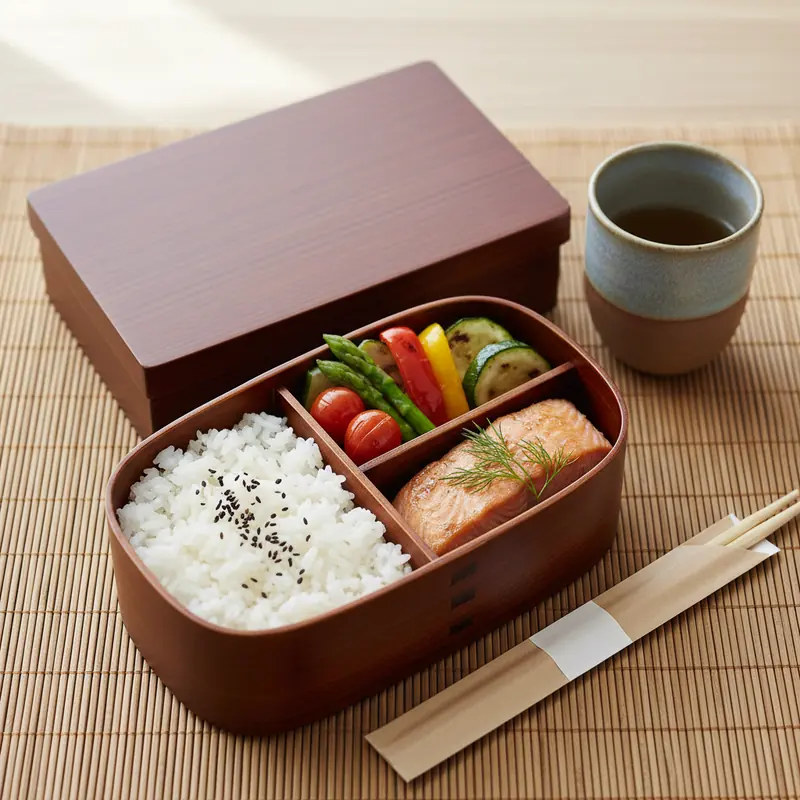
Give every person and lunch date a separate row
Use one row for one employee, one service date and one lunch period. A single weekly tick beside a name cannot explain why someone wants Monday lunch but not Wednesday lunch. A date-specific row can be filtered into a daily order, while the same employee identifier connects that person's records across the week. Store dates consistently rather than mixing a calendar date, a weekday nickname and a note such as 'next Tuesday'.
Appoint one sheet owner and a named backup. Employees can submit their own intentions, but the owner should control the fields that describe submission and caterer confirmation. Otherwise, an employee updating tomorrow's attendance could unintentionally overwrite an order that has already been accepted. Keep the weekly working sheet recognisable by its service week and revision, not by filenames such as 'final', 'final new' and 'latest final'.
A field layout you can copy into your sheet
Start with employee identifier, service date, lunch period, attendance status, meal-needed status, menu code, internal reply deadline and response timestamp. Add a separate order block containing submission reference, originally confirmed quantity, change-request timestamp, person handling the change, caterer response and final confirmed quantity. Keep the original and revised order fields distinguishable; a single quantity cell that is repeatedly overwritten cannot explain what changed.
Separate attendance, meal need and order status
For attendance, use a short controlled list such as 'in office', 'out of office' and 'not confirmed'. For meal need, use 'yes', 'no' and 'no reply'. These answer different questions. Someone attending a client visit may return for lunch, while someone at their desk may bring food from home. Gathering Industries' office lunch sign-up guidance also distinguishes attendance from whether a person actually needs lunch; that is the useful principle to carry into your own sheet.
Give the order its own status, such as 'not submitted', 'submitted, awaiting acknowledgement', 'confirmed' or 'change requested'. Do not make attendance edits automatically change that status. If an employee marks themselves out of office, the owner still needs to establish whether a meal was requested, whether the request had been sent and whether any amendment has been accepted. This separation makes an office lunch attendance tracker useful without turning it into an unreliable order register.
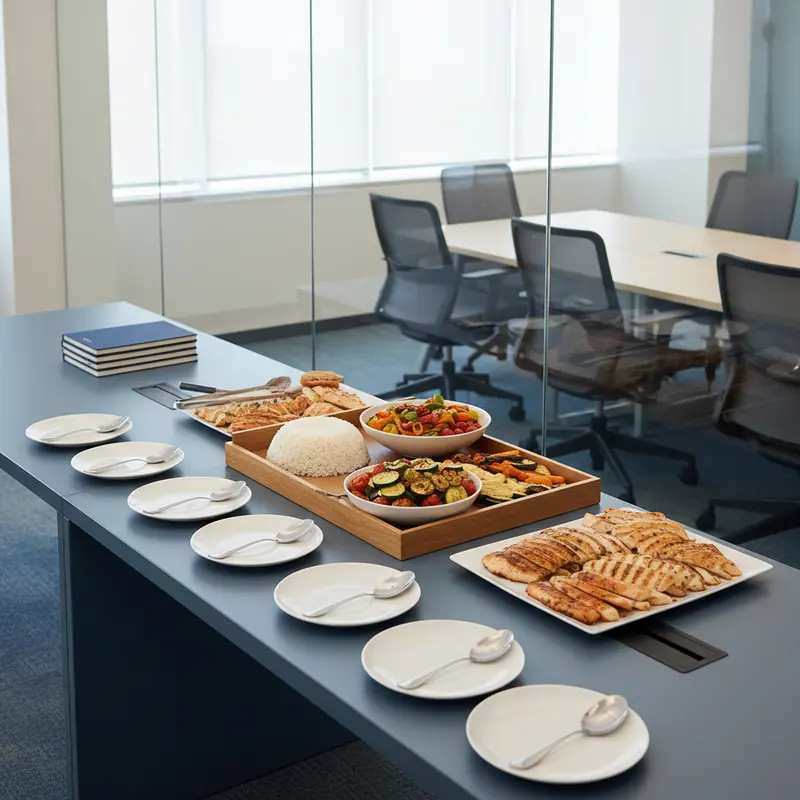
Tell employees what happens when they do not reply
A blank cell should mean missing information, not permission to guess. Before collecting the week's replies, publish the company's rule for unanswered requests. For example, an employer might require an explicit 'yes' for each lunch date, with unanswered rows excluded from the draft submitted count. That is an internal policy choice, not a rule to impose silently: tell employees how to opt in, when they must reply and whom to contact if they miss the deadline.
Keep 'no reply' different from an explicit 'no'. The distinction tells the owner whom to remind and prevents a later dispute about whether an employee declined lunch. Record a timestamp when the answer arrives, and resolve contradictory replies before exporting the daily totals. If an attendance answer says 'out of office' but the meal answer says 'yes', ask a short clarifying question rather than deleting the request. A repeated exception may indicate that the form's wording needs improvement.
Use menu codes that survive daily sorting
If the office chooses individually packed meals, review Bento Box Catering options and give each selected meal a clear code on the sheet. The code should map to a specific confirmed menu description, not a broad note such as 'usual lunch'. Group requests by service date and menu code so the caterer receives quantities for each selection. Confirm the minimum quantity and any labelling arrangement for the chosen menus; separate boxes do not make absence-related cancellations automatic.
Keep menu variants distinct where they affect the order. A vegetarian request should not disappear inside an 'assorted' total, and a changed selection should retain enough history to show which version was submitted. Collect only the meal information needed for ordering. For a special dietary request, ask the caterer what can be accommodated and confirmed rather than labelling an option safe on your own authority. There is no need to put an employee's medical history or detailed reason for absence in this sheet.
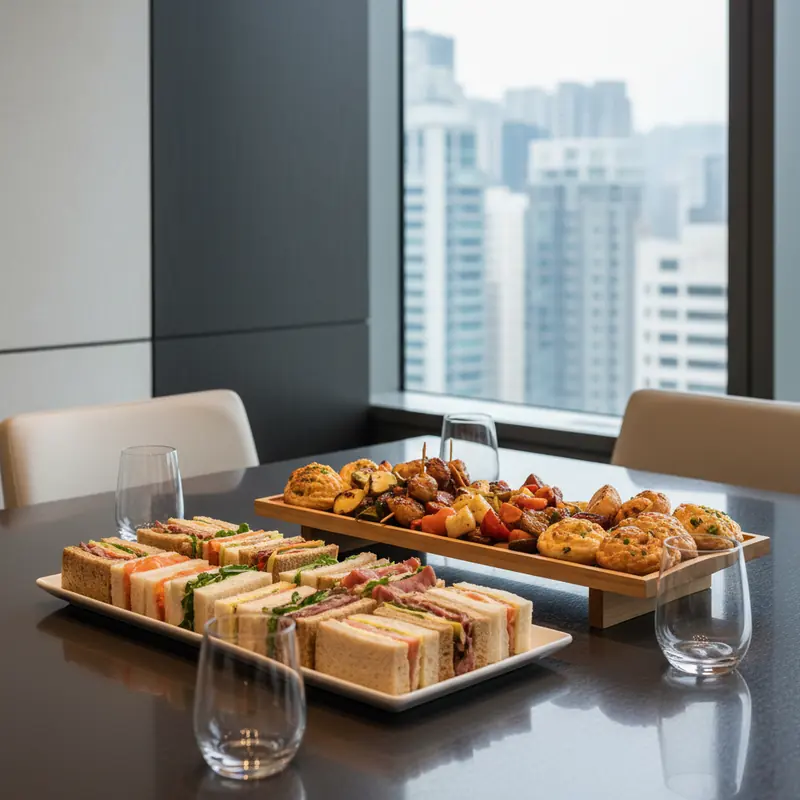
Work backwards from each day's actual order cutoff
When considering Office Lunch Delivery, ask customer service which delivery days are available, when each day's quantities must be final and how a requested amendment becomes confirmed. Do not assume the same deadline applies to every menu or every day of a recurring arrangement. Put the agreed caterer deadline beside an earlier internal response deadline, leaving the administrator time to resolve missing answers and send a usable order summary.
The ezCater guide to scheduled lunch delivery recommends collecting daily attendance or meal responses for fluctuating office populations and asking vendors about roster changes. Use those questions as a discussion framework, not as evidence that a Hong Kong supplier offers the same platform functions. If a public holiday, office closure or different delivery day changes the week's routine, confirm the affected arrangement rather than carrying forward last week's deadline without checking.
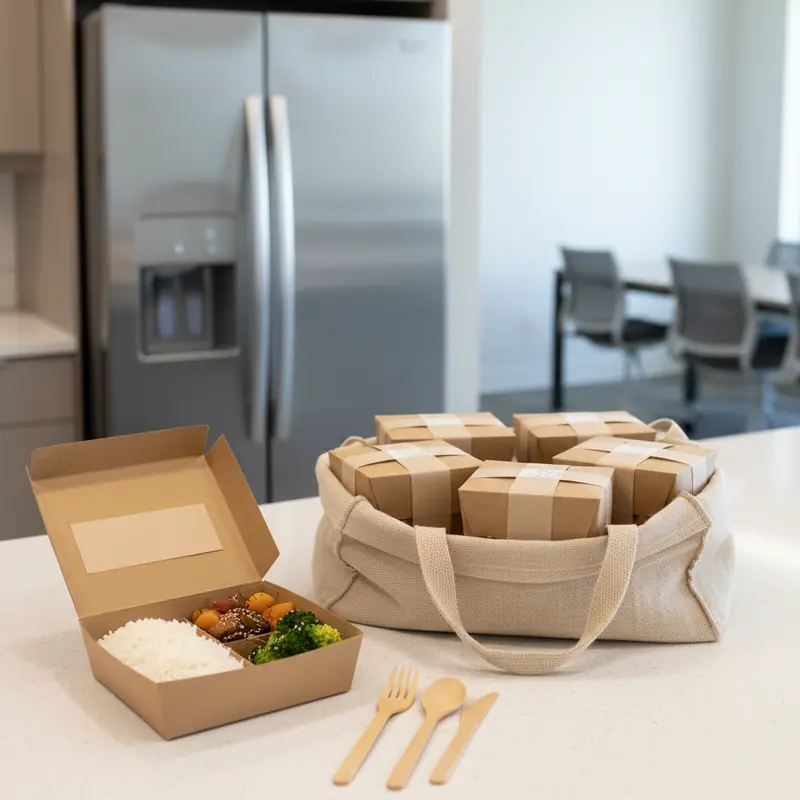
Freeze the submitted count before recording later changes
At the internal deadline, filter the sheet by service date, explicit meal requests and menu code. Resolve duplicate person-date rows and requests with no menu before sending the order. Save a dated snapshot of the submitted breakdown and keep a reference to the message or document actually sent. The snapshot should show what the office requested at that moment; the live sheet can continue to record new information without becoming the only evidence of the original instruction.
Submission is not the same as acceptance. Mark the order as awaiting acknowledgement until the caterer's reply confirms the relevant date, menu quantities and terms. Match that reply against the snapshot, then record the confirmed quantity separately. If the reply differs, settle the discrepancy before telling the receiving team what to expect. This is particularly important when the person sending the order is not the person meeting the delivery or approving the invoice.
Log office lunch order changes after the cutoff
After submission, record a new absence as a change request rather than removing the employee's original row. Keep the service date, employee identifier, original meal selection, requested change, request time and person handling it. If the order is already confirmed, retain that confirmed quantity while you ask whether a reduction is possible. A message saying 'please cancel this meal' records your request; it does not establish that the caterer has accepted it.
Record the caterer's response in a separate field, including any revised quantity or confirmed charge and a reference to the reply. If the request is declined, the original confirmation remains the basis for the order. If the answer is still pending, keep it visibly pending and flag it in the receiver's handover. Do not describe a meal as cancelled merely because the employee will no longer collect it, and do not promise a refund before the applicable terms have been confirmed.
Make responsibility for amendments visible
Route amendment requests through the sheet owner or backup so two colleagues do not send conflicting instructions. Agree who may approve a revised order or an additional charge within the company. When the caterer's response arrives, the owner updates the log and tells both the receiver and the person reconciling payment. Close a request with an outcome such as 'accepted', 'declined' or 'withdrawn', rather than leaving an old request looking active indefinitely.
Check the method against three hypothetical absences
Hypothetical example: an employee reports planned leave before the internal reply deadline. Record the affected dates as 'out of office' and ask for an explicit meal answer where needed. If they do not require lunch and nothing has been submitted, their row is not part of that day's requested meal count. Leave the row visible with its completed status so the administrator can distinguish planned leave from a missing response. There is no cancellation to record if no meal order was placed.
Hypothetical example: an employee is in the office but brings lunch from home. Record 'in office' and 'no' for meal need, without marking the employee absent. Their attendance belongs in workplace planning, but their row does not add a requested meal. This is why counting everyone expected at their desk is not an adequate way to build the daily order. The sheet should not require the employee to explain why they prefer their own lunch.
Hypothetical example: an employee reports an absence after their meal has been confirmed. Update their attendance and open a dated amendment request, but preserve the meal's confirmed status until the caterer responds. If a reduction is accepted, record the revised confirmation and tell the receiver. If it is not accepted, the meal remains ordered even though the employee is absent. These are illustrative situations, not customer experiences or statements about any supplier's cancellation policy.
Hand over the daily order, not the whole employee file
Prepare a short daily summary containing the service date, confirmed quantities by menu, agreed delivery point, receiving contact and order reference. Note unresolved amendments explicitly instead of quietly subtracting them. Keep the employee-level request sheet available to the administrator, while sending the caterer only the information needed to prepare and identify the order. Detailed leave reasons, unrelated personnel notes and a full attendance history do not belong in the delivery message.
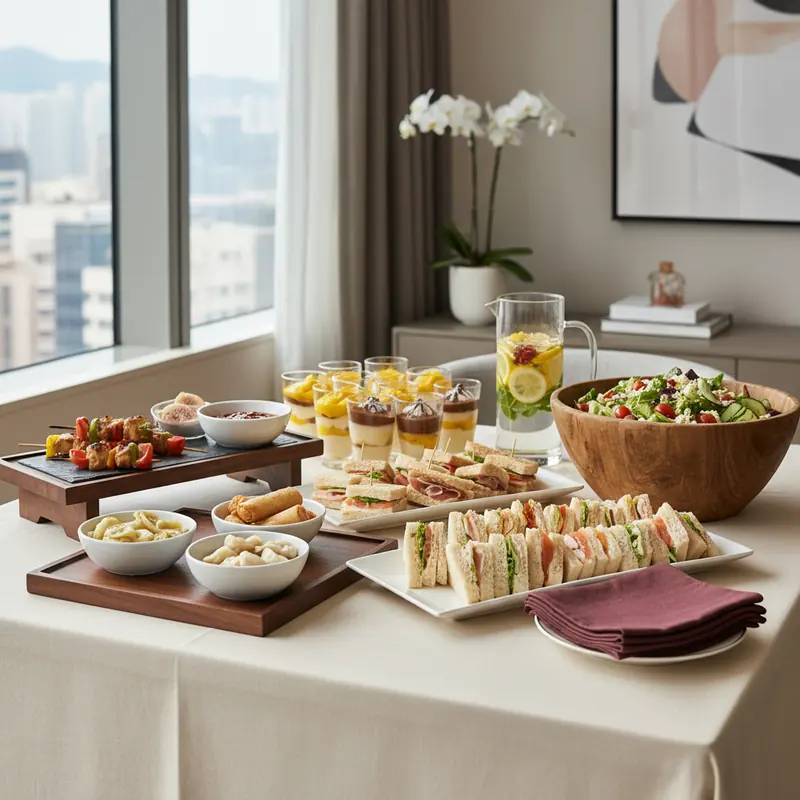
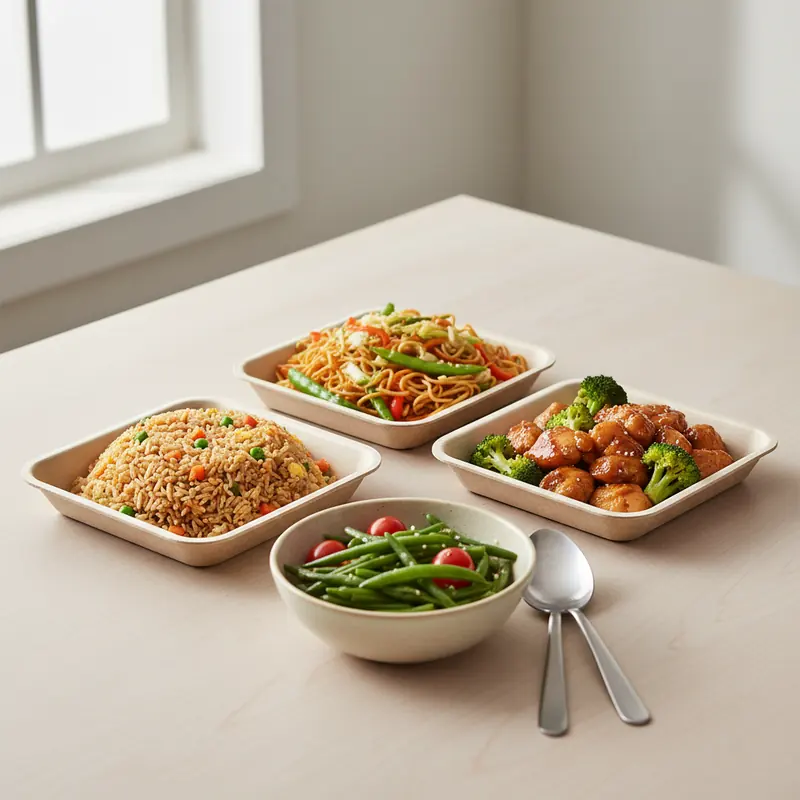
Match the handover to the chosen format. Individual meals need a clear menu breakdown; shared trays need confirmed dish quantities or portions rather than a pretend one-box-per-person count. If the office has not yet decided between those formats, the Hong Kong Catering Service overview provides a starting point for comparing arrangements. Keep that choice separate from attendance tracking: whatever format you select, the receiver needs the caterer's confirmed order, not a fresh estimate based on who happened to arrive that morning.
- Service date and latest confirmed order reference
- Confirmed quantities by menu, including separately confirmed variants
- Agreed delivery point and nominated receiving contact
- Open amendment requests, their status and the person following up
- Location of the caterer's latest confirmation for the receiver to check
Keep ordered, received and collected meals separate
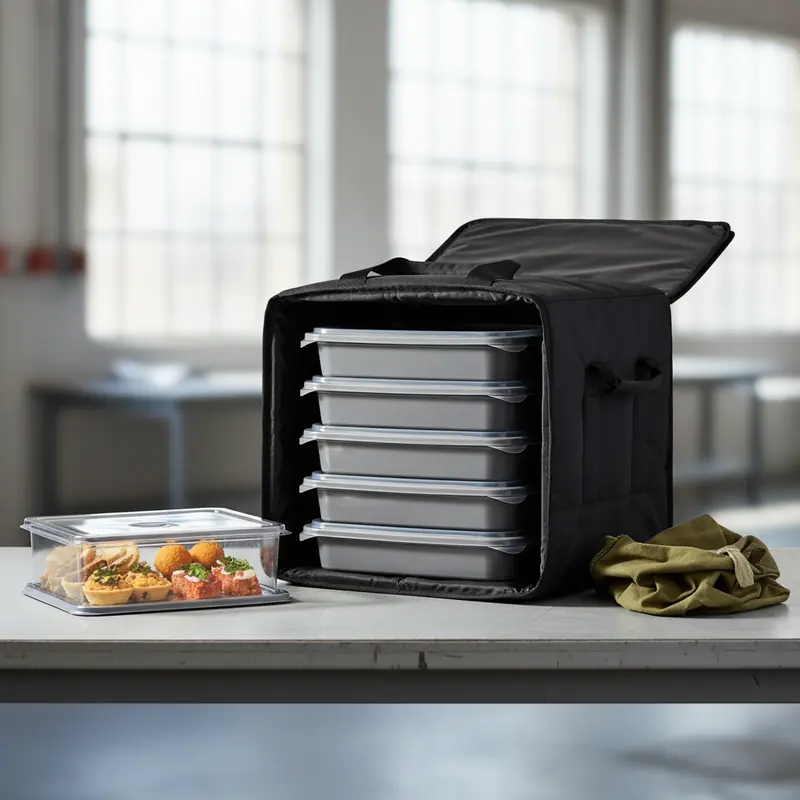
At delivery, record what actually arrives by menu and compare it with the latest confirmation. Keep 'confirmed ordered' and 'received' as separate fields; otherwise, correcting the delivery count can erase the evidence of a discrepancy. Note a shortfall, extra item or different menu clearly and contact the caterer for clarification. The receiving record should describe the delivery, not make an unsupported decision about what the final invoice must contain.
During distribution, record collected and uncollected meals separately from receipt. A box can be received correctly but remain uncollected because its intended recipient is absent. That does not prove a delivery mistake or establish a credit. If the office considers an alternative recipient or another use for an uncollected meal, treat that as a separate decision subject to relevant guidance, not an automatic feature of the tracker. You do not need to record the absent person's illness or private circumstances to explain the collection status.
Reconcile the weekly bill with confirmed quantities
Give the person checking payment the daily confirmations, amendment outcomes, receiving notes and invoice together. Compare the billed menus and quantities with the final confirmed order, then review delivery charges and any agreed amendment or cancellation charges. Investigate discrepancies rather than assuming that the number collected is the number payable. A pending credit or disputed item should stay identified as unresolved until its treatment is agreed; it should not disappear into an edited meal total.
For the next week's menu comparison, Budget Catering can help you explore alternatives, but compare complete confirmed quotations rather than headline food prices alone. Ask which delivery or other charges apply to the actual daily pattern. Keep actual expenditure and uncollected meals as separate measures: fewer uncollected meals may be useful operationally, but it is not evidence of a fixed saving or a guaranteed refund. Only record a financial adjustment when the relevant amount and terms are confirmed.
Close the week without copying its mistakes forward
Before preparing the next service week, close completed amendment requests and assign an owner to anything still awaiting a reply. Retain the submitted snapshot, latest confirmation and reconciliation notes according to your company's record policy. Limit access to the employee-level sheet to people who need it. A practical lunch record should explain meal decisions, not become a second personnel file that accumulates unnecessary absence details indefinitely.
Create the next week's dated rows from the field structure, not from last week's final 'yes' answers. Ask employees to confirm the new dates unless the office has explicitly agreed another response arrangement. Review where confusion arose: unanswered requests, ambiguous menu codes, a late handover or an unclear amendment response. Improve the relevant field or instruction. The goal is a sheet that can tell you what was requested, what was accepted and what was received without requiring everyone to reconstruct the week from chat messages.
Details to confirm before ordering
- Confirm the service week, delivery days and whether quantities can differ by day.
- Agree the company's no-reply rule and identify the sheet owner and backup.
- Check each person's date-specific meal answer and selected menu before submission.
- Confirm daily menu minimums, amendment deadlines and how changes are acknowledged.
- Save the submitted breakdown and match it with the caterer's written confirmation.
- Send the receiver the latest menu quantities and explicitly list pending amendments.
- Record received, collected and uncollected meals without overwriting confirmed orders.
- Check the invoice against confirmed quantities, delivery charges and agreed adjustments.
Questions about this decision
Should an absent employee's row be deleted?
No. Keep the date-specific row and update attendance and meal need as appropriate. If a meal has already been submitted or confirmed, retain that history and record any amendment separately. Deleting the row can conceal an order that still exists.
Does no reply mean the employee does not want lunch?
Not automatically. The company should announce its response rule before collecting requests. Keep 'no reply' distinct from an explicit 'no', even if the agreed rule excludes unanswered requests from the draft count.
Can a late absence be treated as a cancelled meal?
Only after the caterer confirms the relevant amendment. Until then, show the absence and the change request without reducing the confirmed order. Applicable cancellation terms and any charges must be checked for that order.
Should the weekly sheet include sick-leave details?
It does not need them for meal administration. Record the attendance and meal statuses required to manage lunch, without collecting a diagnosis or detailed absence reason. Keep unrelated personnel information outside the lunch record.
Which number should accounts use when checking the invoice?
Start with the final caterer-confirmed order and documented amendment outcomes, then compare the invoice and receiving notes. Collected lunches are a distribution measure, not automatic proof of the quantity payable. Raise discrepancies for confirmation.
Sources and further reading
Reference only. Illustrations are AI-generated design references, not photographs of actual customer orders. Confirm current contents, prices and arrangements with our team.
For this guide:How to Record Absences on a Weekly Office Lunch Order Sheet
Plan catering for your event
Considering Bento Box Catering? Send the date, district and the points discussed in this guide to YumYum Catering to confirm suitable options and a quotation.
Book Catering NowWhatsAppThis opens a prepared WhatsApp enquiry. Availability, details and price must be confirmed before booking.
Explore related services and designs
Compare relevant options, view design references and find the information you need before making an enquiry.
Bento Box Catering
Explore individual lunch box layouts and meal combinations, comparing compartment styles and serving convenience for groups that prefer separately packed lunches rather than shared dishes.
Office Lunch Catering
Compare workplace lunch formats and menu combinations for team meals, considering shared serving arrangements and individual portions alongside the practical needs of an office gathering.
Central Corporate Catering
Explore corporate catering enquiries for Central, comparing team lunch formats, meeting refreshments and serving arrangements without interpreting the illustration as a local branch or confirmed delivery location.
Office Lunch Delivery
Explore lunch delivery choices for everyday workplace meals, comparing individually packed options, meal variety and ordering considerations before discussing how office lunches could be organised.
Kwun Tong Corporate Catering
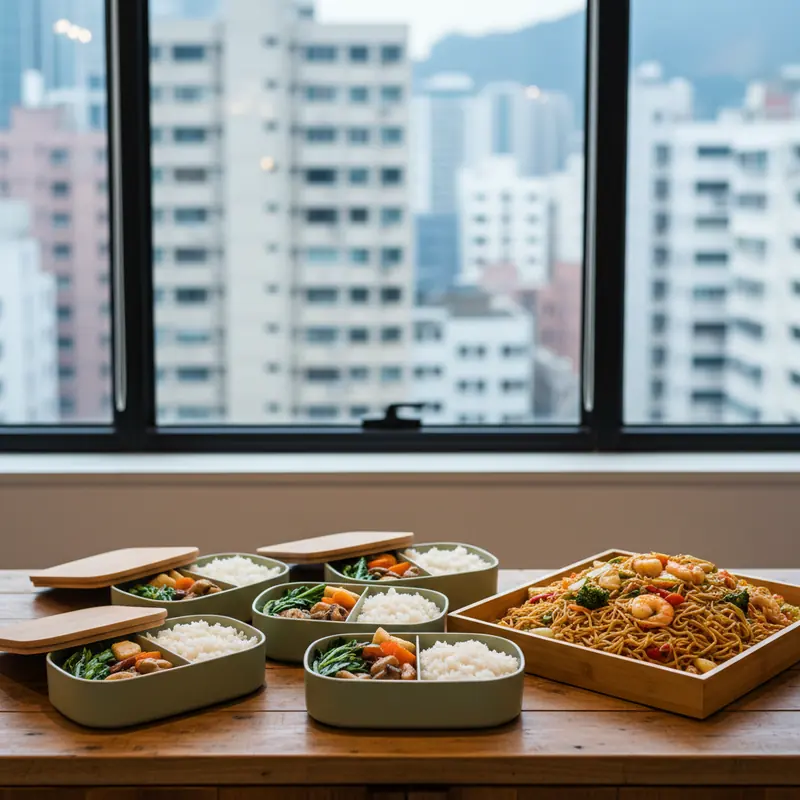
Compare corporate meal formats for Kwun Tong enquiries, exploring individual lunch boxes and shared workplace dishes without assuming a specific office building, branch location or delivery arrangement.
Original AI-generated navigation references; designs and order details are subject to confirmation.
Useful options for your plans
Compare team meal and meeting refreshment formats with Central Corporate Catering.
Compare individually packed lunch layouts with Bento Box Catering.
Explore Office Lunch Catering to compare serving formats for a shared team meal.
Compare everyday workplace meal options through Office Lunch Delivery.