YumYum Catering · Ordering guides
How many mooncake gift boxes and lunch servings should you order for a staff Mid-Autumn gathering?
For this guide:How many mooncake gift boxes and lunch servings should you order for a staff Mid-Autumn gathering?
Plan catering for your event
Considering Mooncake Gift Sets? Send the date, district and the points discussed in this guide to YumYum Catering to confirm suitable options and a quotation.
Book Catering NowWhatsAppThis opens a prepared WhatsApp enquiry. Availability, details and price must be confirmed before booking.
A colleague on leave may still receive a Mid-Autumn gift, while a visiting colleague may join lunch without receiving one. A client gift may go to another address altogether. That is why a company's total staff number is not a reliable quantity to copy into every order. The useful starting point is not one larger headcount, but separate decisions about who receives what.
If you are working out how to count mooncake gift boxes and staff lunch servings, open a worksheet with independent gift, meal and drink fields before choosing quantities. Start with approved gift allocations and confirmed lunch replies; leave unanswered requests visibly pending. The method below turns those records into three checkable order lines, with a separate addition for any mooncakes intended for sharing at the gathering.
Define the unit before you count the gift boxes
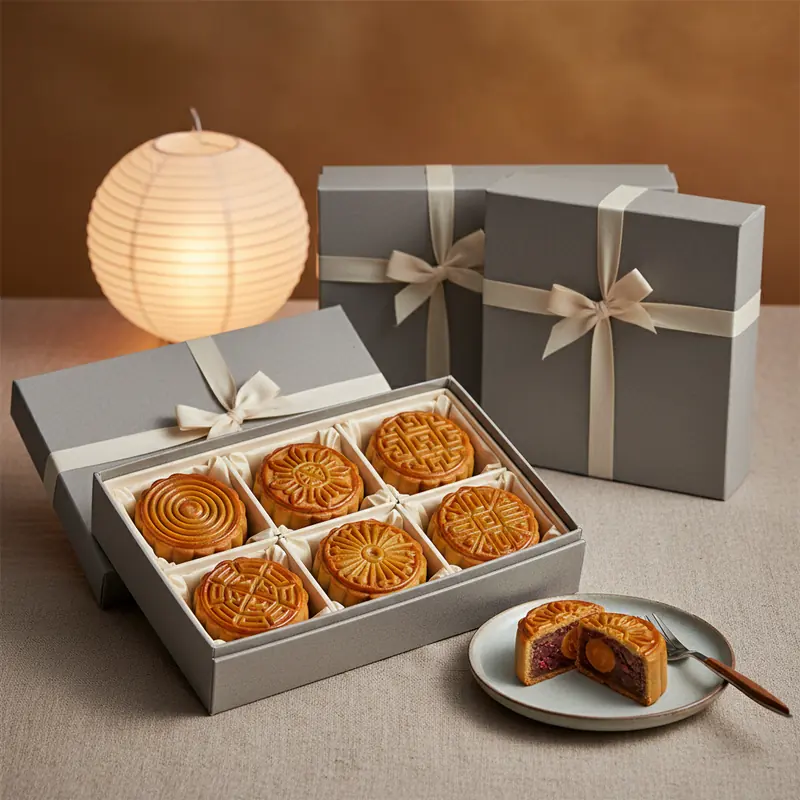
A gift box is the presentation unit allocated to a recipient or receiving unit. The mooncakes inside it are pieces, not additional gift boxes. A transport carton is the outer packing used to move goods; it is not another name for the presentation box. Write all three terms explicitly when they appear in a quote, so that a request for boxes cannot be interpreted as a request for cartons.
Once that distinction is clear, compare Mooncake Gift Sets for the presentation format you want to discuss. Record the chosen style against its allocation, and ask the supplier to confirm what each gift box contains. Do not assume that a photograph establishes the current contents or that every style has the same configuration.
The distinction is visible in Té Company's gifting and catering enquiry page, which asks for an estimated box count for gifts and a headcount and date for catering. That is a useful example of separate inputs, not a specification for a Hong Kong order. Obtain the actual boxes-per-carton figure from your supplier before converting gift quantities into transport packing.
Build the gift recipient list independently of lunch replies
Start with the company's approved gifting rules, rather than assuming one box for every employee. A row may represent an individual, a client account or a department allocation. Record the recipient reference, gift style, approved box quantity, dispatch point and person responsible for collection. Someone who cannot attend lunch should remain on this list if their gift allocation is still approved.
Keep separate destinations visible. A branch collection, a main-office handover and an external recipient need different dispatch instructions even when their gifts are identical. The Give Gift Boutique employee gifting guide describes collecting recipient details through a bulk order form and arranging different delivery destinations. That supports organising gifts around receiving details, rather than an event attendance total; its delivery terms are not terms for your order.
After you have grouped the approved boxes by style and destination, use Corporate Mooncake Orders to enquire about the bulk arrangement. Share the quantities and distribution pattern first, then confirm the supplier's required recipient format and delivery arrangements. There is no need to circulate a full address list to everyone reviewing the internal budget.
Give each person independent gift, lunch and drink decisions
A person can receive a gift without eating lunch, eat lunch without receiving a gift, or do both. These are valid combinations, not errors to eliminate. A duplicate exists when the same gift entitlement or the same lunch attendance is recorded twice within its own count. Appearing once in the gift field and once in the meal field is not a duplicate: the person needs two different supplies.
Ask separate questions in the reply form: will you attend lunch, do you require an event drink, and where will you collect an approved gift? Keep gift eligibility under the company's approval process rather than letting a lunch RSVP create it automatically. Use a staff or attendee reference to match records, particularly where two people share a name or a colleague appears in both a branch list and the main-office list.
Create a worksheet that another administrator can reconcile
A workable record needs enough detail to explain the totals without forcing the next reviewer to reopen every email. Use separate columns for approved gift boxes, confirmed diners and drink requests. Add the gift style, meal variant, distribution point and confirmation status. Keep a pending lunch reply distinct from a confirmed decline; treating both as a blank makes the total difficult to interpret.
For an individual row, gift quantity can be an approved number while lunch and drink fields describe that person's decision. For a department dispatch row, the gift quantity may represent several boxes. Label the row type so nobody mistakes that dispatch unit for a single person or counts its contents again through individual recipient rows.
Use either individual recipients or a controlled allocation row
If individual branch recipients are already listed, use a separate dispatch summary that draws from them rather than adding another orderable allocation. Alternatively, keep one approved branch allocation row and maintain the individual handover list outside the order total. Either structure can work; mixing both without marking which rows contribute to the total is the problem.
A useful worksheet header is: recipient or allocation reference; row type; gift style; approved gift boxes; lunch status; meal variant; drink requirement; dispatch point; approval status; last change. The last-change field should explain an adjustment, such as a moved collection point, rather than merely show that somebody edited the sheet.
Work through an example with three different totals
Consider this hypothetical example, not a customer order or a recommended allowance. Eighteen on-site employees are each approved for one gift box and all eighteen confirm lunch; sixteen request an event drink. Six employees who will not attend are each approved for one gift box. A branch has an approved allocation of four gift boxes, with no diners at this gathering.
Three invited visitors confirm lunch and drinks but have no gift allocation. One client account has an approved allocation of two gift boxes and no lunch attendance. These groups are assumed to be distinct; the branch allocation does not repeat anyone already listed among the employees. No contingency quantities or sharing mooncakes are included.
Add each requirement in its own column
The approved gift total is 18 + 6 + 4 + 2 = 30 gift boxes. The lunch total is 18 + 3 = 21 confirmed diners. The drink-request total is 16 + 3 = 19 people. None of those totals should overwrite either of the others. In particular, 30 gift boxes do not justify ordering 30 lunches, and 21 diners do not justify reducing the approved gifts to 21.
The 19 drink requests are still a demand input, not necessarily the final number of bottles, cups or dispenser units. Likewise, 21 diners are not automatically 21 sharing trays. Keep those demand totals intact while the supplier confirms the purchasing units needed to fulfil them.
Reserve sharing mooncakes separately from takeaway gifts
If you want mooncakes cut and shared after lunch, add a separate event-sharing line. State that they are for the table and ask the supplier to confirm the relevant product and supply unit. Do not quietly open gift boxes already assigned to absent staff or external recipients: those boxes are allocated goods, not spare dessert stock.
Keep the sharing line separate even if the same mooncake style is used for gifts and the gathering. Mark its destination and the colleague responsible for setting it out. If the company deliberately reallocates an unassigned box for sharing, record the approval and amend both affected lines. The change should be visible before distribution, not discovered when a recipient comes to collect a missing gift.
Convert confirmed diners into the right lunch order units
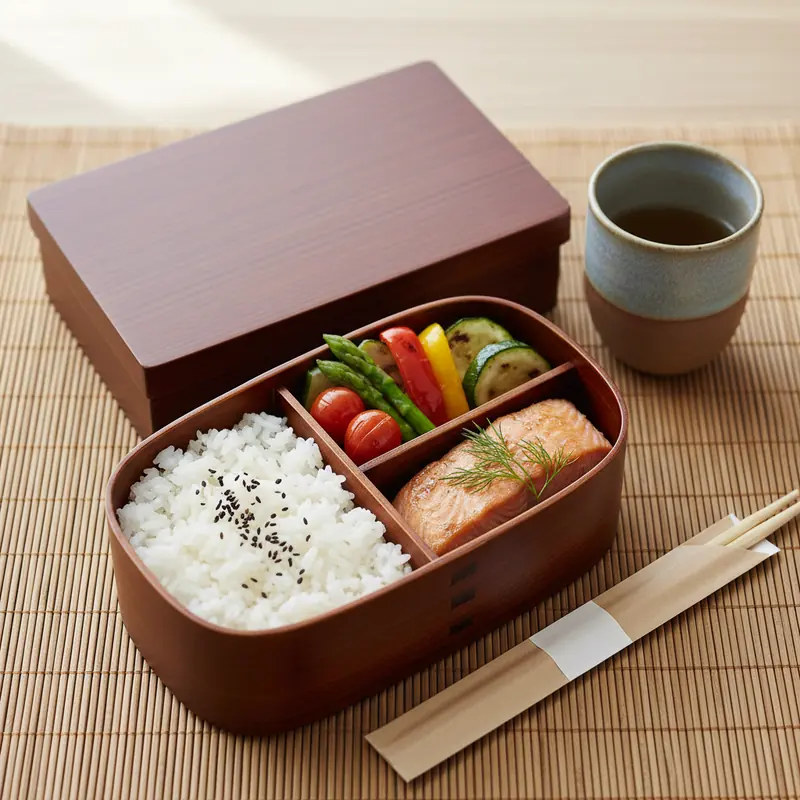
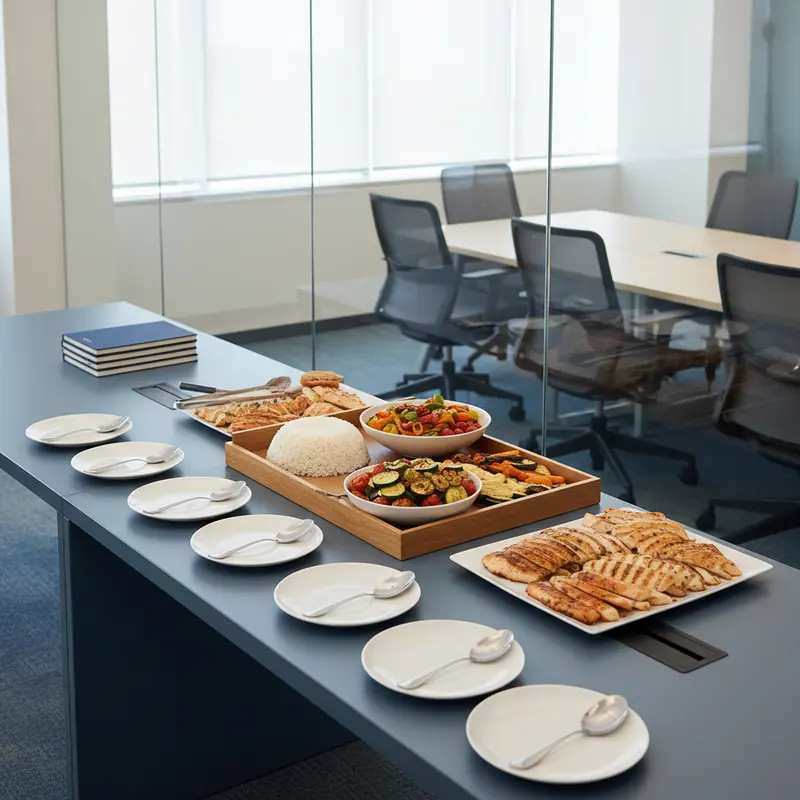
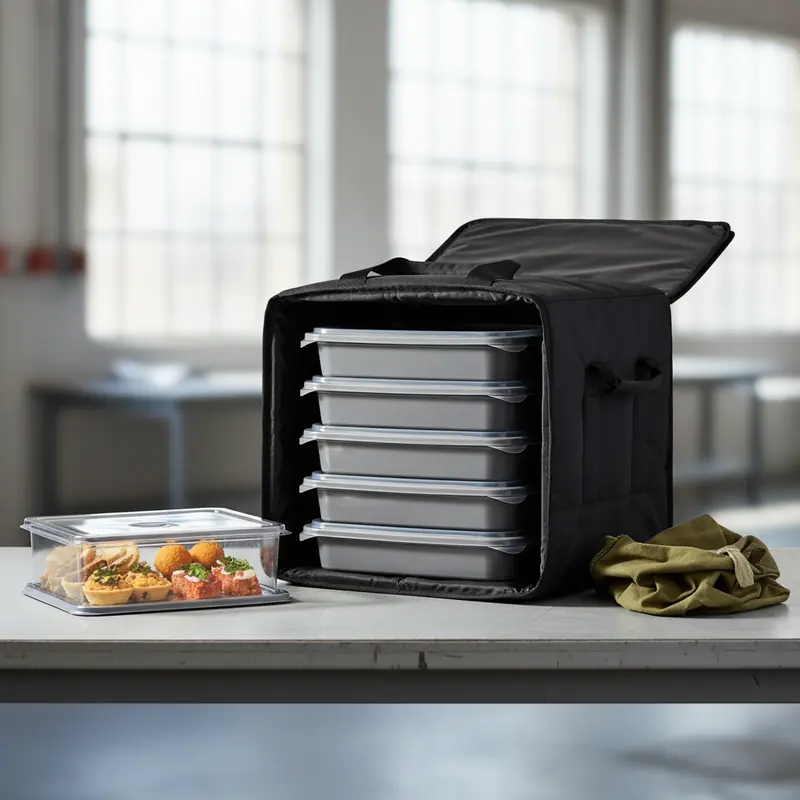
Once lunch replies are counted independently, decide whether individual meal boxes or shared dishes suit the gathering. With individual meals, assign a meal variant to each confirmed diner and total those variants. For shared food, send the confirmed dining count and explain that this is a full lunch, then ask how the proposed combination of dishes covers it. A collection of trays needs to be assessed as a meal, not as isolated tray labels.
Use Office Lunch Catering when comparing these supply formats. Ask the supplier to confirm what a serving, tray or package means for the selected menu and whether the proposed coverage assumes other food is being served. Do not apply a universal trays-per-person multiplier or round every dish up independently without checking the resulting overall spread.
The ezCater portion-planning guide starts with headcount and considers food type, event format and duration. Use that reasoning rather than importing its portion measurements as a local rule. Takeaway mooncake gifts do not automatically reduce a full lunch requirement: recipients may take them home unopened rather than eat them at the event.
Make dietary meal variants part of the lunch total
Record a confirmed diner's requested meal variant against that person's lunch entry. If a colleague requests a vegetarian meal instead of the main selection, move their allocation into that variant rather than counting a standard meal and adding another meal on top. A variant is normally a replacement within the dining total unless an additional serving is deliberately requested and approved.
Ask about ingredients and preparation requirements directly where allergies or other dietary needs are involved, and obtain confirmation of what the supplier can provide. Do not treat a menu label as a safety guarantee. Keep the distribution method practical as well: identify who will hand the agreed meal to the intended diner, without displaying unnecessary personal dietary details on a widely shared dispatch sheet.
Calculate drink demand without copying the gift or meal number
First check whether drinks are included in the lunch arrangement. Record what is included, its stated serving size and which diners it covers. If some colleagues will use office refreshments instead, capture that decision rather than assuming that every diner needs an additional ordered drink. Equally, somebody joining only the gathering's sharing session may need a drink without needing lunch.
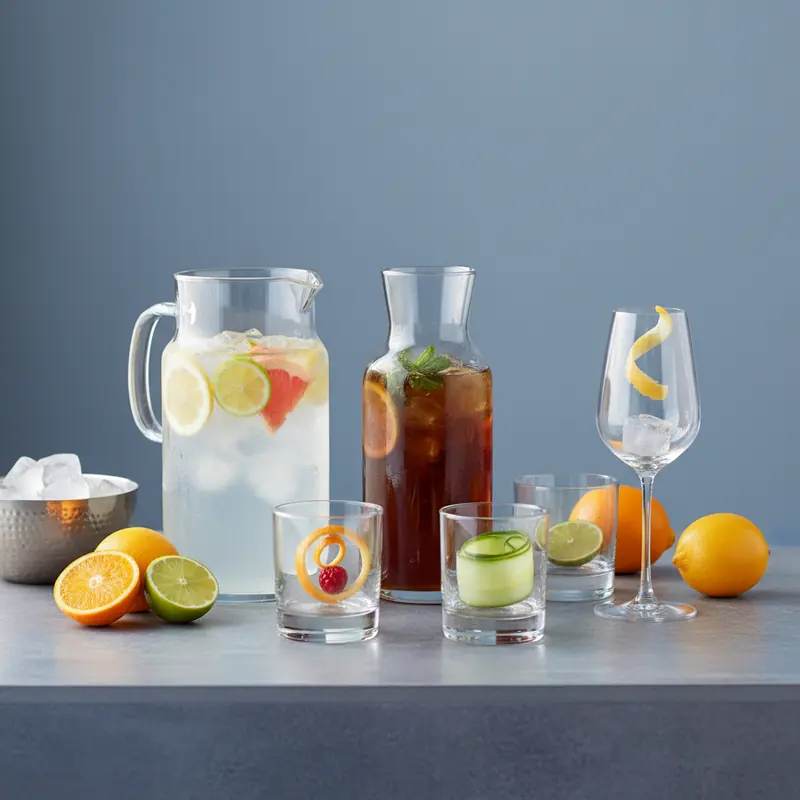
When reviewing Drinks Catering, compare the proposed format against the drink requests, event duration and expected refills. Ask for the volume supplied per bottle, container or dispenser and the intended serving size. A requester count describes people; the order must eventually specify the actual supply unit and quantity, with any included lunch drinks accounted for.
If more than one drink type is offered, note whether guests are choosing one option or can take several. Otherwise an administrator may order the full audience quantity for each choice by mistake. There is no need to force the drink total to match the gift boxes or lunches; what matters is that the difference has a clear reason.
Check cups and service arrangements alongside the drinks
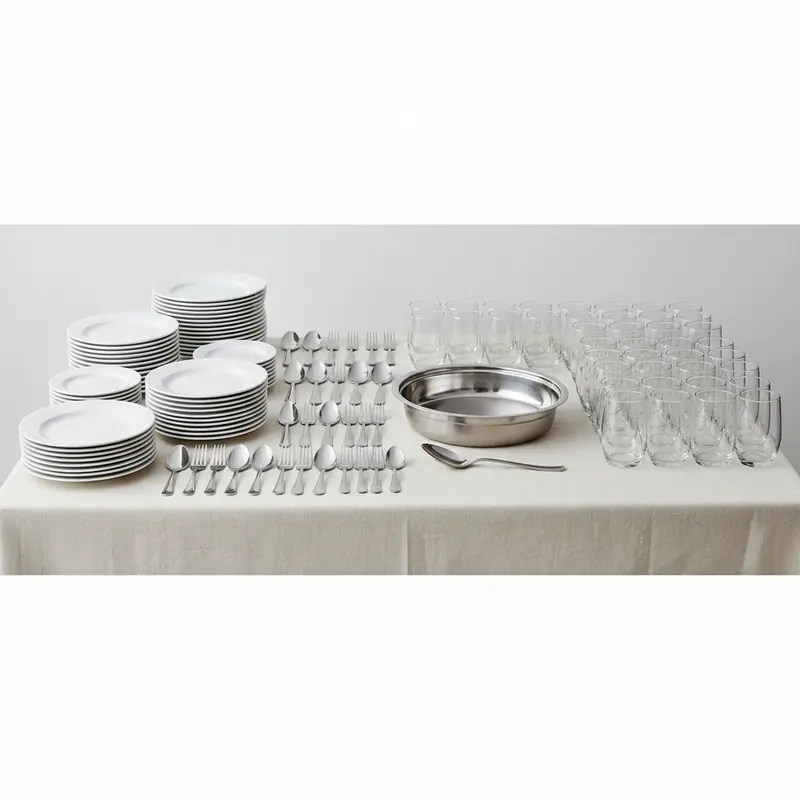
A drinks order is not complete simply because the liquid quantity is clear. Confirm whether cups, lids where needed, dispensing equipment and any other required serving items are included. If the office is providing reusable cups, name the colleague who will make them available. A picture of glasses beside a dispenser does not establish that either item is included in a particular quote.
Explain how the gathering will run: a short seated lunch, staggered lunch breaks or lunch followed by a separate sharing session. These arrangements affect when drinks need to be accessible and whether the same service point will remain in use. Ask the supplier to confirm suitable quantities and any handling instructions for the selected products; do not infer them from the number of takeaway gifts.
Reconcile quantities by destination and receiving window
Prepare an approval summary with three primary lines: gift boxes by style, lunch by confirmed servings or agreed trays, and drinks by agreed supply unit. Add sharing mooncakes as a distinct event item if required. Include each line's destination, requested receiving window and receiving contact role. Avoid a single statement such as 'food for the team', which leaves both quantity and purpose unclear.
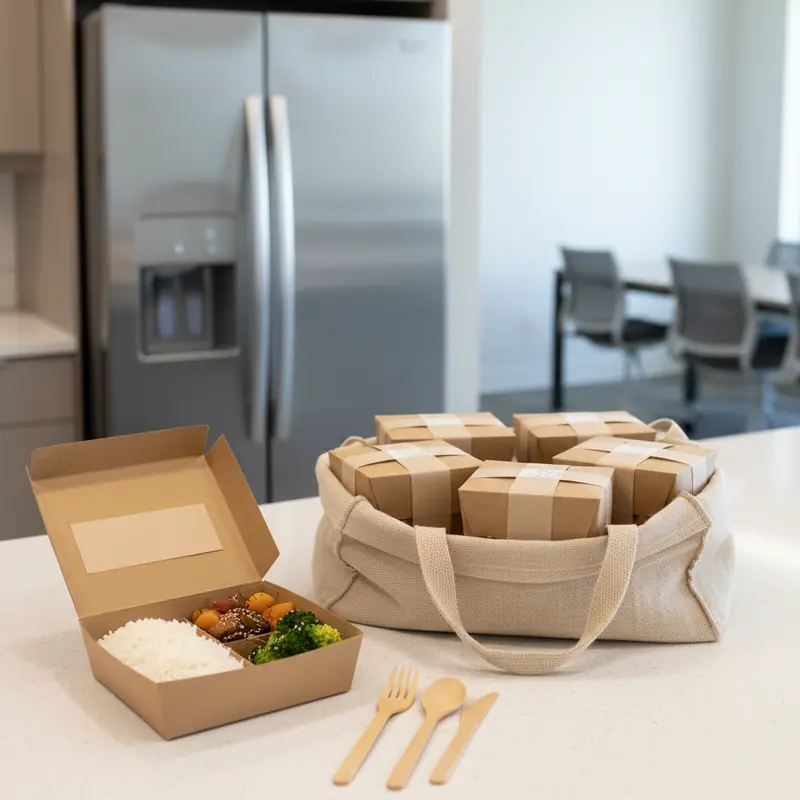
Gifts may be dispatched to a branch or handed out before the lunch date, while the meal goes only to the gathering location. Ask the supplier to confirm the feasible delivery sequence, any separate charges and the details required for each receiving point. If gift cartons are listed on a delivery document, reconcile the presentation-box contents against your gift allocation rather than comparing carton counts directly with recipient counts.
Keep the internal review version free of unnecessary personal delivery details; provide required recipient information through the agreed ordering channel. For each destination, identify who checks the goods and who handles later distribution. Receiving a carton at reception is not the same as confirming that every allocated recipient has collected a gift.
Approve a version and route every change to the affected line
Keep the gift allocation and dining list as separately identifiable approved versions, even if both sit in one workbook. Record which versions support the final supplier instruction. A colleague cancelling lunch may still retain a gift allocation; a client changing a delivery location may affect dispatch without affecting any meal. Update the relevant fields instead of reducing all quantities whenever one name changes.
Before you approve the order, ask customer service to confirm the quantity-change deadline, how changes must be submitted and whether the revised request can be accepted. Do not assume that an internal spreadsheet edit has changed an order already sent. Request confirmation of the revised lines and any resulting charge or delivery adjustment; no fixed lead time or same-day addition should be presumed.
Treat contingency quantities as approved additions
If you need reserve boxes, meals or drinks, identify the reason and approve the quantity for that specific line. Unconfirmed attendance, an unallocated gift request and a possible drinks refill are different uncertainties. A blanket percentage applied to everything hides those differences and can leave the wrong type of spare supply.
Keep the base requirement, approved reserve and supplier-confirmed total visible together. Once those figures, their units and the receiving arrangements agree, the order is ready for final confirmation. The objective is not to make every number match: it is to make every number explainable to the person ordering, the supplier fulfilling it and the colleague receiving it.
Details to confirm before ordering
- Approved gift list version: ___; gift style and allocated box total by dispatch point: ___.
- Confirmed lunch list version: ___; diners: ___; pending replies kept separately: ___.
- Meal format: ___; variant totals: ___; supplier-confirmed servings, trays or packages: ___.
- Drink requesters: ___; lunch drinks already included: ___; agreed drink units, volumes and cups: ___.
- Sharing mooncakes: not required / separate approved item ___; takeaway allocations remain protected.
- Gift-box contents and boxes per transport carton confirmed: ___; receiving point and requested window for each line: ___.
- Reserve quantities and reasons: ___; final change procedure, deadline and supplier confirmation: ___.
Questions about this decision
Should employees who miss the lunch be removed from the gift count?
Only if their gift allocation is also withdrawn under the company's approval process. A lunch decline changes meal demand, not gift entitlement. Keep the approved box allocation and confirm a separate collection or dispatch arrangement.
Is someone counted twice if they receive a box and eat lunch?
No. That person has a gift requirement and a meal requirement. Check for repetition within each category, such as two lunch entries for the same attendee, rather than deleting a valid entry across different categories.
Can I convert gift boxes straight into delivery cartons?
Only after the supplier confirms the packing configuration for the chosen style and how any partial carton is handled. Keep gift-box quantities on the allocation list even if the delivery document also shows outer cartons.
Do pending lunch replies belong in the confirmed total?
Keep them in a separate pending count. Set an internal reply deadline and ask the supplier about the final adjustment arrangements. Any meals approved for unresolved replies should be shown as a deliberate additional allocation, not described as confirmed diners.
What if gifts are handed out before the gathering?
Keep the approved gift order and its distribution record separate from the later lunch attendance version. Reconcile gifts at handover and meals against the current confirmed dining list; an earlier gift collection should not automatically create a lunch RSVP.
Sources and further reading
Reference only. Illustrations are AI-generated design references, not photographs of actual customer orders. Confirm current contents, prices and arrangements with our team.
For this guide:How many mooncake gift boxes and lunch servings should you order for a staff Mid-Autumn gathering?
Plan catering for your event
Considering Mooncake Gift Sets? Send the date, district and the points discussed in this guide to YumYum Catering to confirm suitable options and a quotation.
Book Catering NowWhatsAppThis opens a prepared WhatsApp enquiry. Availability, details and price must be confirmed before booking.
Explore related services and designs
Compare relevant options, view design references and find the information you need before making an enquiry.
Mooncake Gift Sets
Compare mooncake gift presentations for personal and corporate giving, exploring box layouts, wrapping styles and group ordering considerations within the same Mid Autumn food gifting page.
Catering Services
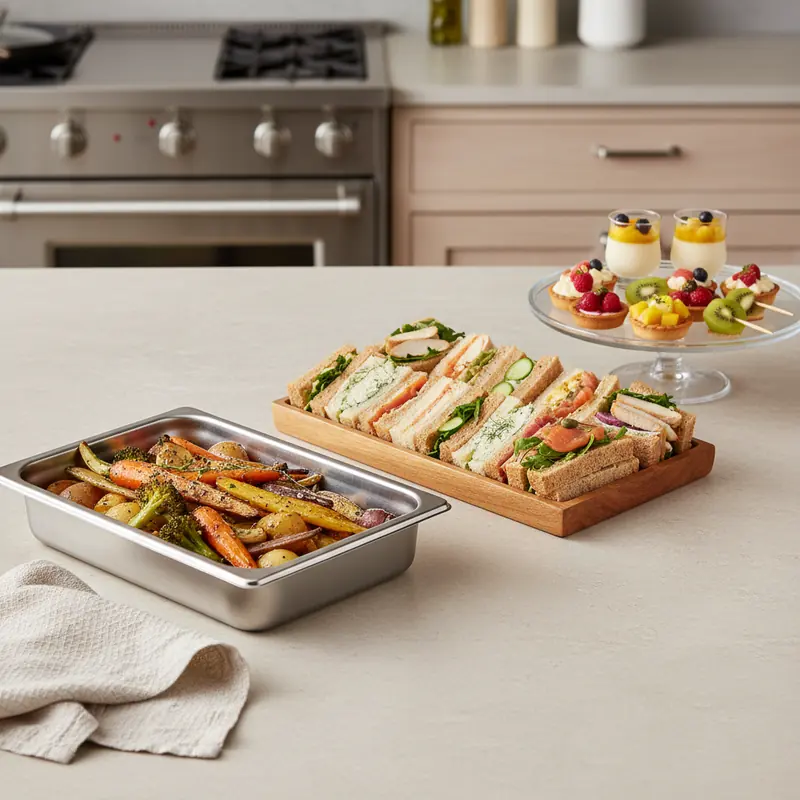
Compare meal presentation styles, savoury selections and dessert additions across the catering range, then explore the format that suits how you want guests to dine.
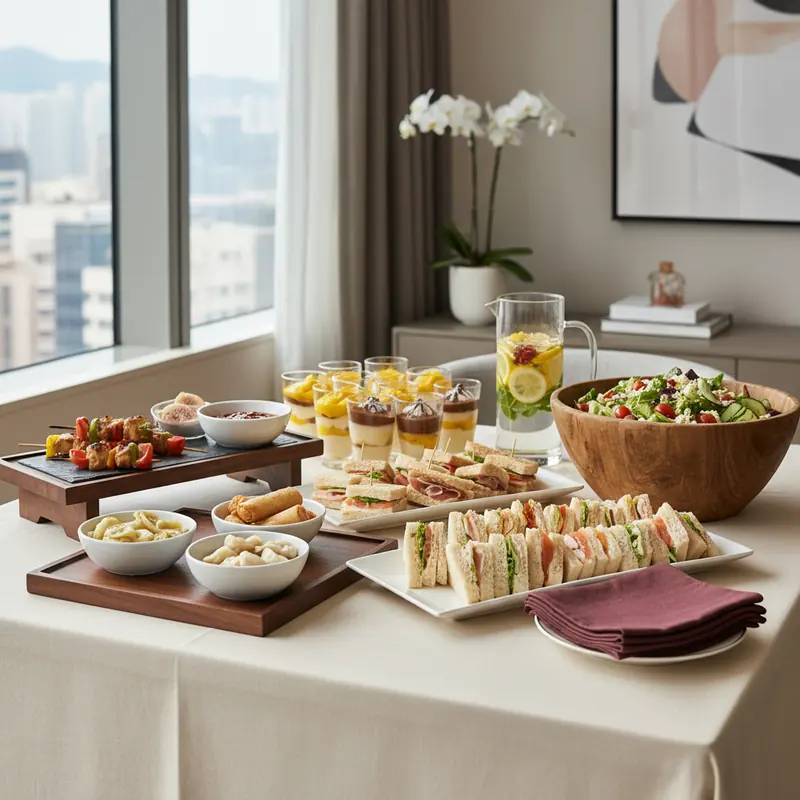
Hong Kong Catering Service
Explore catering formats for different gatherings, comparing shared dishes, individual meals and event settings before moving to a more specific menu or occasion page.
Original AI-generated navigation references; designs and order details are subject to confirmation.
Useful options for your plans
Explore Corporate Mooncake Orders to compare Mid Autumn gift presentations for personal or corporate giving.
Compare savoury dishes, desserts and meal formats through Catering Services.
Explore Hong Kong Catering Service to compare catering formats for your next gathering.